
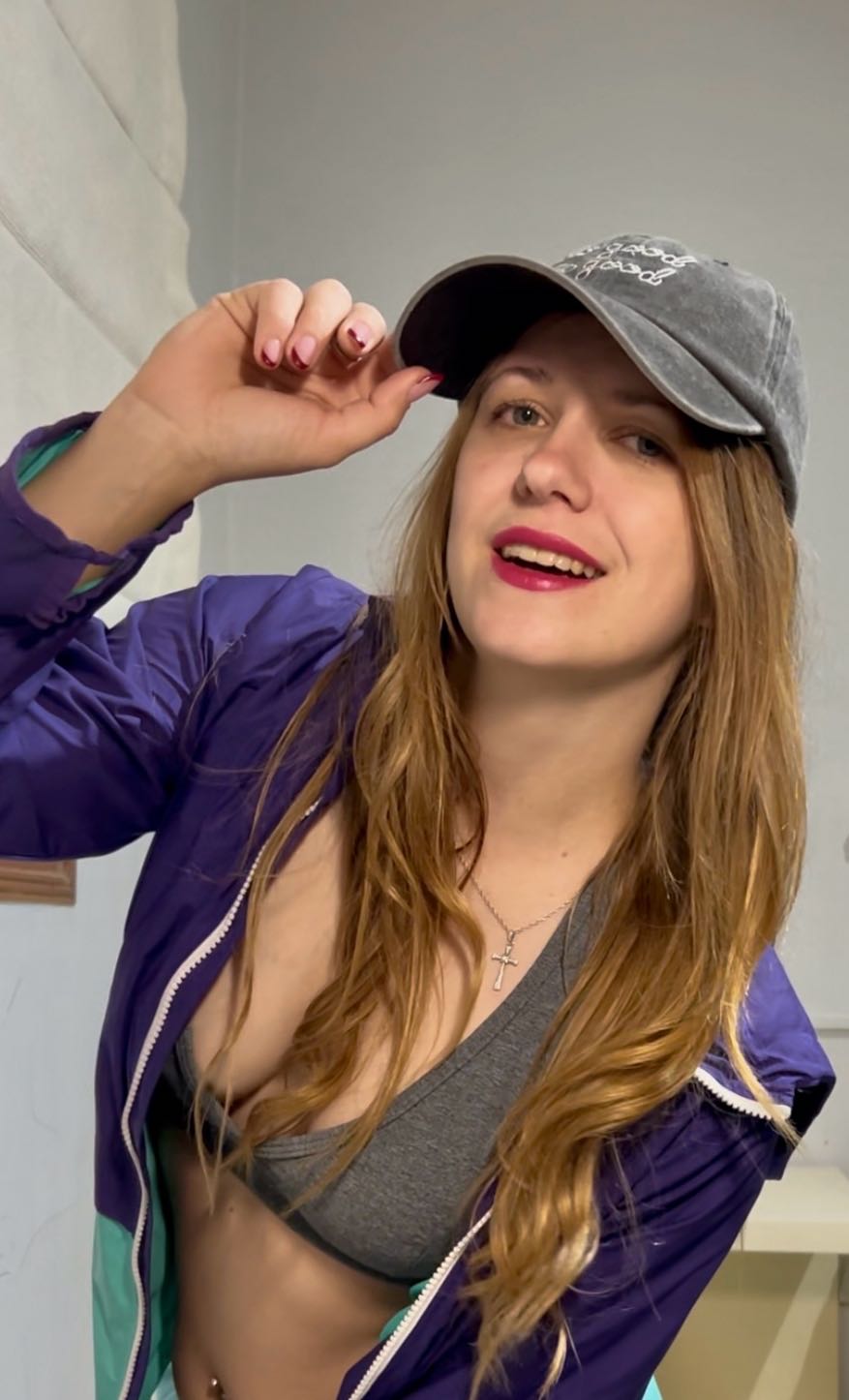
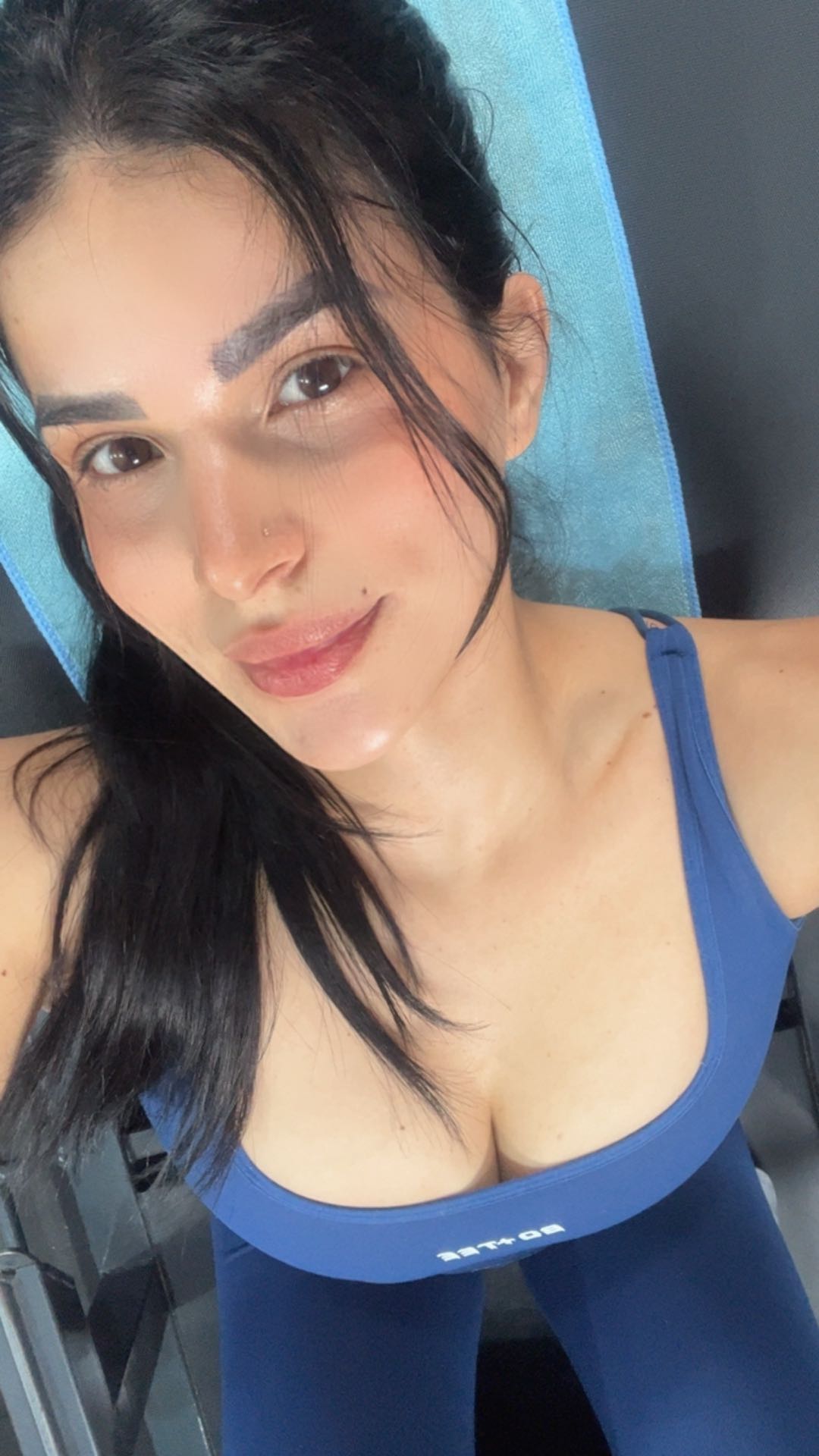

WEBCAM TO WEBCAM · PRIVATE 1-ON-1 VIDEO CHAT

Cam to Cam Video Chat

Cam to cam chat is a private video conversation between two live webcams. On Uhmegle, you and one other person each open your browser camera, see each other in real time, and talk face to face — no app download, no public feed, no audience.

It is the same format whether you arrive through random matching or by browsing first: one camera connected to one camera. The page covers how cam-to-cam works, what browser permission looks like, and how it differs from public webcam rooms.

Left camera in a cam-to-cam video chat
Right camera in a cam-to-cam video chat

What Cam to Cam Chat Means

Cam to cam means both sides of a conversation are on camera at the same time. Unlike text-only chat, you see expression, motion, and setting. Unlike a livestream, the feed is not broadcast to a crowd — it is a direct camera-to-camera link between two people. On Uhmegle that link is always private 1-on-1 video chat, so the only two cameras in the room are yours and the person you matched with. The terms cam2cam, webcam to webcam, and cam chat online all describe the same idea: two browser cameras, one conversation. The mechanic is neutral — it works for friendly chats, flirtatious conversations, or simply meeting someone new — but the format matters because both participants are visible and engaged. That reciprocity is what separates cam-to-cam from watching a broadcast or typing in a text-only room.

Woman on camera during cam-to-cam chat
Person in a private webcam conversation
Two cameras connected in cam-to-cam chat

How Webcam-to-Webcam Works in Your Browser

You do not install anything. Uhmegle uses WebRTC inside the browser to open a live video stream between two cameras. Here is what actually happens when you start cam to cam chat.

Browser camera permission prompt

Allow Camera Access

The browser asks for permission to use your webcam the first time you start cam chat online. This is a site-level prompt you control. You can allow, deny, or change the decision later in browser settings. The prompt exists because Uhmegle never accesses your camera without explicit consent. No camera access means no cam-to-cam preview, but you can still use text chat as a fallback.
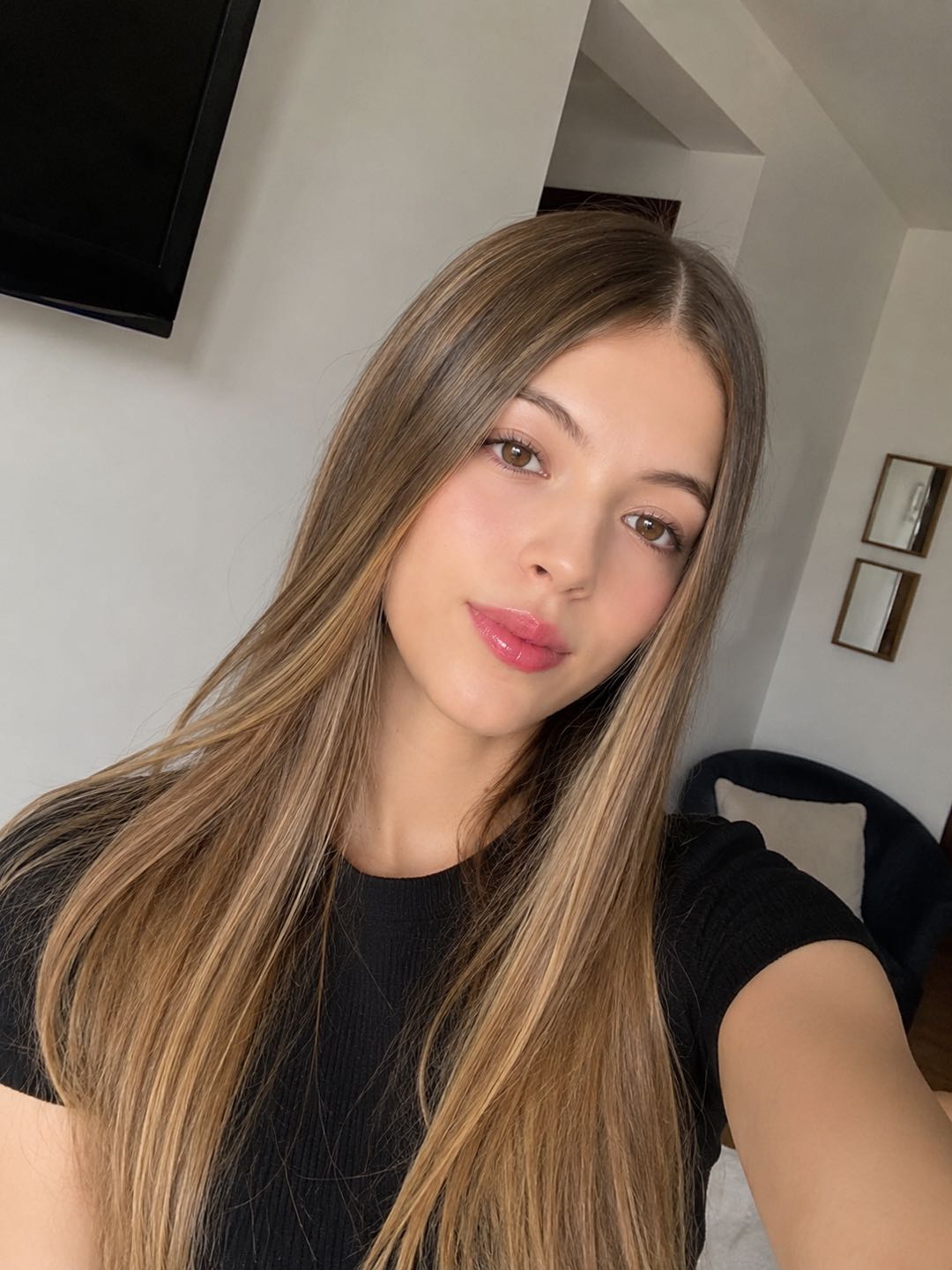
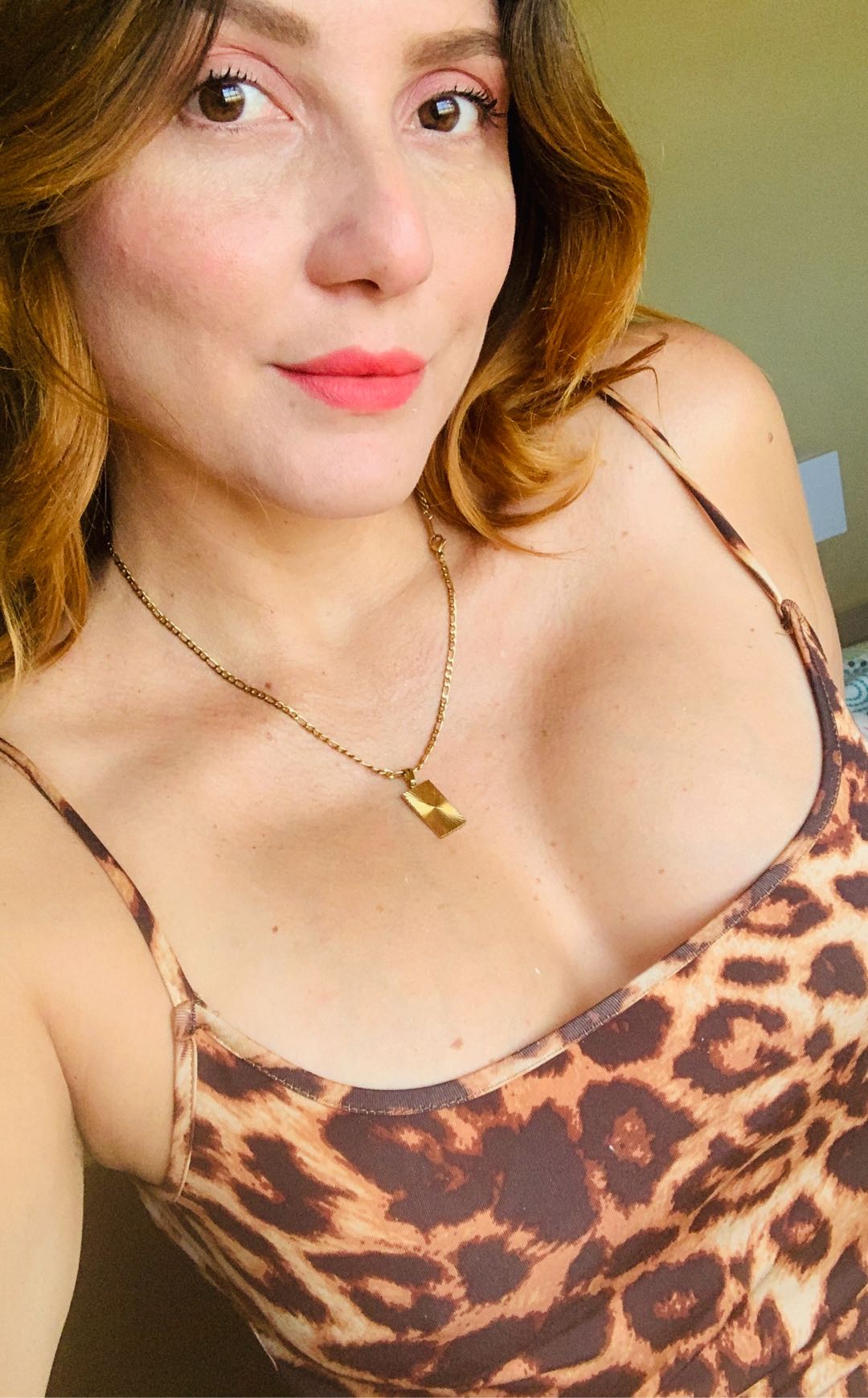
Local camera preview before matching

See Your Own Camera

A small local preview shows how you appear on the other person's screen before the match connects. Adjust lighting, angle, and sound so the first impression happens on your terms. The preview is local-only at this stage — no one sees it until the connection starts. This step is why webcam-to-webcam chat feels more intentional than jumping straight into a call.

Split-screen cam-to-cam connection

Get Paired Camera to Camera

Uhmegle finds another person who also has a camera open. Once connected, you see each other in a split-screen view — your webcam in one pane, theirs in the other. Either side can leave and start a new match at any time. There is no group grid, no public feed, and no audience: just two cameras in one private 1-on-1 video chat.

Cam-to-Cam Is Private, Not Public

Private one-to-one webcam chat

Private Cam to Cam

Uhmegle connects one camera to one camera. There is no public room, no livestream audience, and no group grid. What happens in the call stays between the two participants. This is the core of cam-to-cam on Uhmegle: a focused, two-person video chat where both people are equally present. You can leave at any moment, start a new match, or switch to browse mode without explaining yourself to a crowd.

Start Cam-to-Cam Chat
Public webcam room concept

Public Webcam Rooms

Public rooms put many viewers in front of one broadcaster. That format can work for performances or panel discussions, but it is not cam-to-cam. Cam to cam is reciprocal: both people are visible, both are participants, and neither is a passive audience. On Uhmegle the call is private by design, so you never appear in a public room or group broadcast by default.

Browse Women

Random Cam-to-Cam or Browse First

Random cam-to-cam match

Random Cam-to-Cam Match

Press start and let Uhmegle pair you with the next available person who has a camera open. Random cam2cam matching is fast and spontaneous. It is the right choice when you want to meet someone new without scrolling or choosing first. If the match does not feel right, leave and start again. Random matching keeps the energy high and removes the decision step, which is exactly what some moods call for.

Start Cam-to-Cam Chat
Browse before starting cam chat

Browse, Then Start Cam to Cam

If you prefer some control, browse profiles and short previews first, pick someone who looks like a fit, then open a private 1-on-1 video chat. Browsing first does not change the private format — it just lets you choose who starts on the other side of the camera. It is the path for people who find pure stranger roulette too blunt and want a first impression before committing to a video chat.

Browse Women

Mobile Camera Use and Text Fallback

Cam to cam works on mobile browsers the same way it works on desktop. Your phone's front camera becomes the webcam, and the browser permission prompt works identically. Hold your phone at eye level, use soft front lighting, and wear headphones if you want cleaner audio. There is no app store download, so nothing stays on your device after you close the tab. If you are not ready to turn your camera on, or if you are in a quiet public space, start with text chat instead. Text is a real entry point on Uhmegle — you can type first, get a feel for the conversation, and switch to webcam-to-webcam when it feels right. The two modes are connected, not separate products, so moving from text to cam to cam is a single tap when both people are ready.

Try Text Chat
Mobile cam-to-cam in a browser
Text chat fallback on mobile

Cam to Cam Chat FAQ

What does cam to cam mean?

Cam to cam means two people are both on live camera during the same conversation. Each person sees the other's webcam feed in real time. It is also called cam2cam, webcam to webcam, or camera-to-camera chat.

Do I need to download an app for cam-to-cam chat?

No. Uhmegle runs in your mobile or desktop browser. You allow camera access through the browser prompt, and the video stream opens without installing anything.

Is cam to cam on Uhmegle private?

Yes. Every cam-to-cam connection is private 1-on-1 video chat — one camera talking to one camera, not a public room or group broadcast.

Can I use cam to cam on my phone?

Yes. Uhmegle uses your phone's front camera in the browser. The experience is the same as on desktop, with the same permission prompt and the same private format.

What if I do not want to turn my camera on?

You can start with text chat at /messages. Text is a real fallback, not a downgrade. Move to webcam-to-webcam only when you are ready.

Start Cam to Cam Video Chat

Open your browser camera, get matched with another live webcam, and talk face to face in private 1-on-1 video chat.

No app download required. uhmegle.social is an independent video chat service.